Planning guides
Use BigPlan for what comes next
Practical BigPlan workflows for planning a clearer day, organizing a semester, and breaking a work project into manageable steps.
Choose a workflow

Plan your day with a clearer view
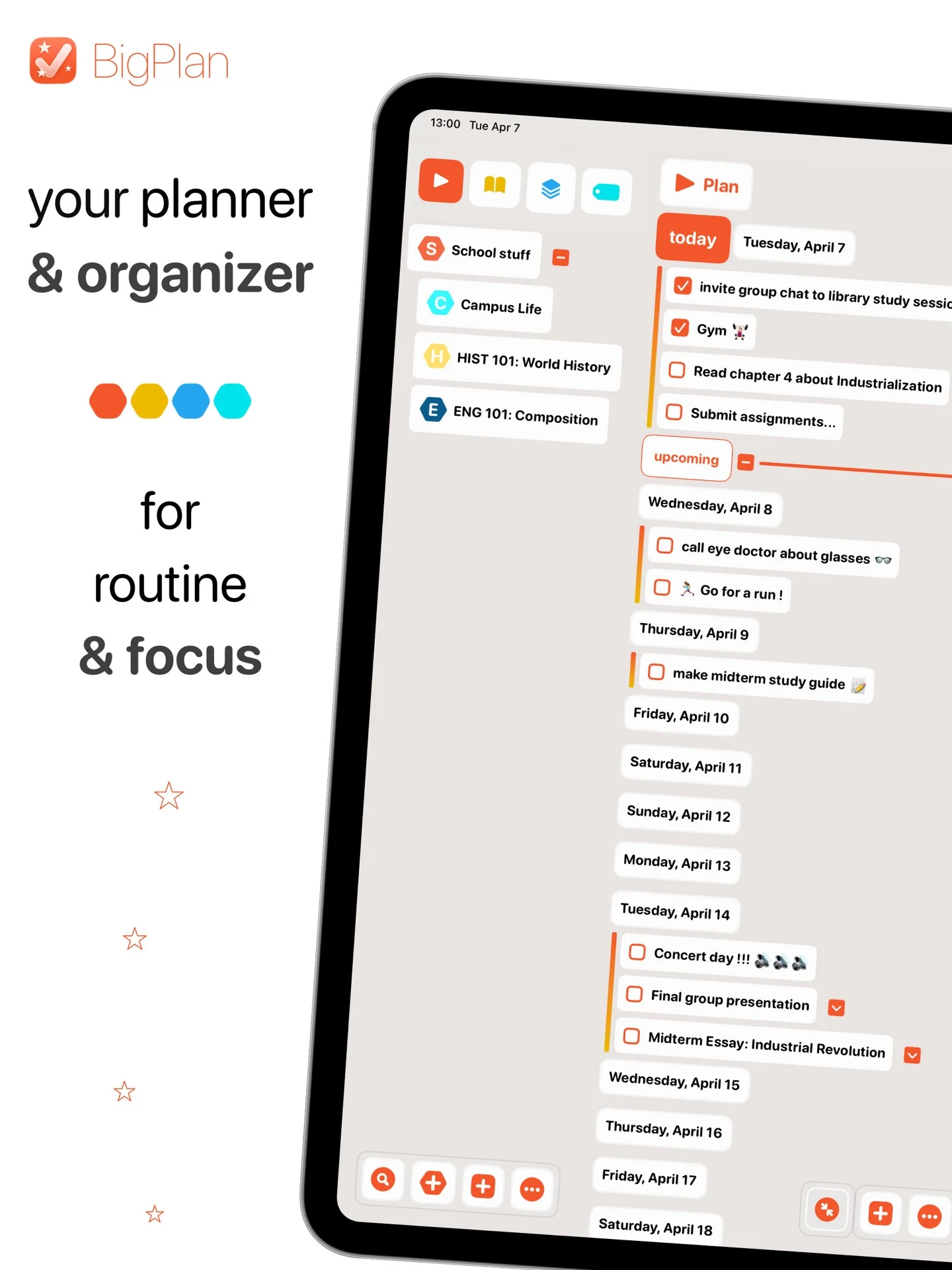
Put the things competing for your attention into one place, choose what belongs today, then arrange tasks, routines, and fixed moments in a sequence you can actually follow.
Read the guide
Keep your semester organized
Give each course a clear home, break large assignments into concrete steps, and bring only the next deadlines and study sessions into your daily plan.
Read the guide
Turn a work project into manageable steps
Define the outcome, turn it into a short hierarchy of deliverables and next actions, then use labels and the timeline to decide what moves forward today.
Read the guideStart with the plan in front of you
Download BigPlan for iPhone and iPad and shape a workflow that fits.