The short answer
Put the things competing for your attention into one place, choose what belongs today, then arrange tasks, routines, and fixed moments in a sequence you can actually follow.
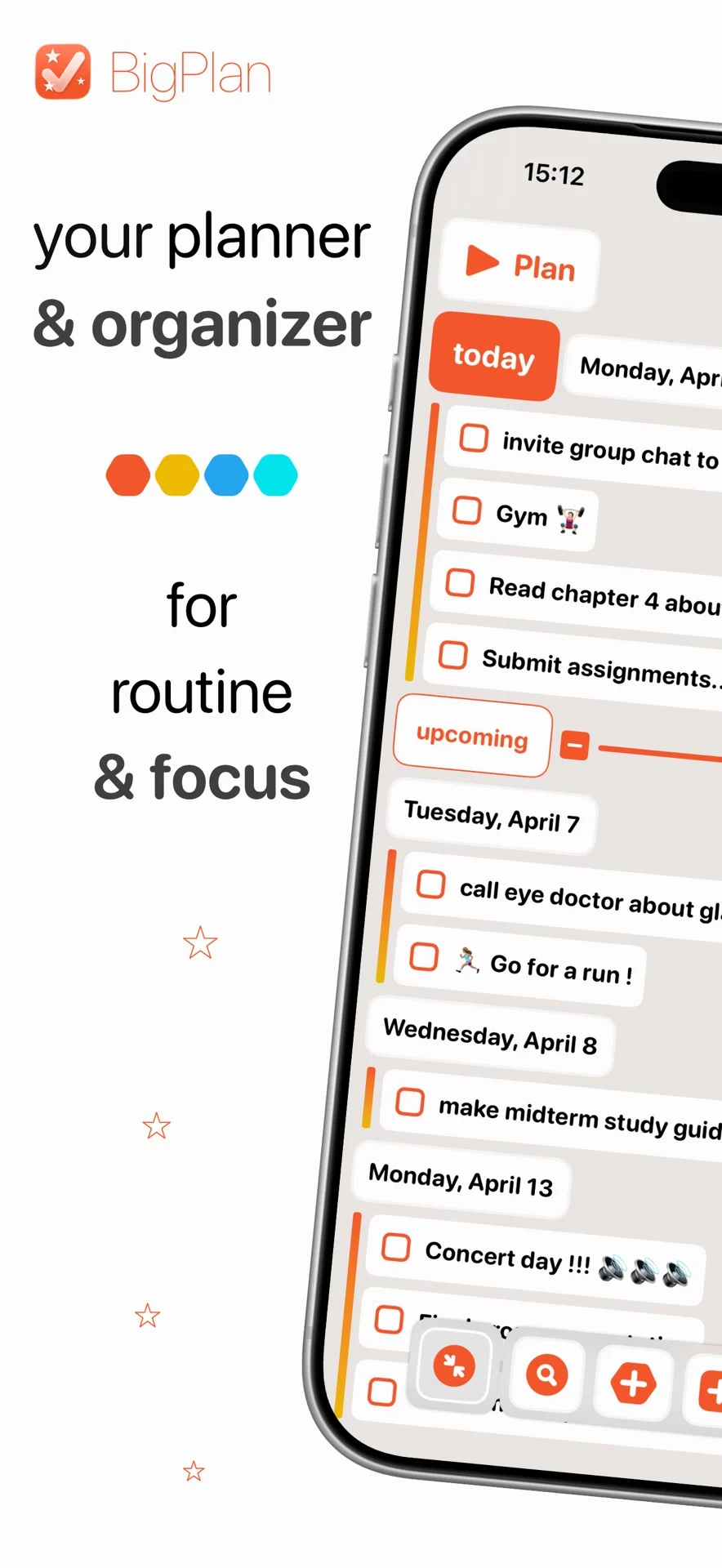
A useful daily plan should reduce decisions as the day moves. BigPlan gives your tasks, habits, and schedule a shared visual timeline, so you can see what is next without repeatedly sorting through separate lists.
Worked example
A realistic Tuesday
Imagine a day with a morning workout, a team call, two focused work tasks, groceries, and a birthday reminder. Capture everything first, label work and personal items, then arrange only the time-sensitive pieces. The remaining tasks can stay visible without crowding the next action.
A practical workflow
Put the plan into motion
Capture before you prioritize
Add the tasks and reminders already taking up headspace. Keep useful details in task notes, and group related errands or work inside lists and subtasks.
Choose what belongs today
Pull forward the few tasks that would make the day feel complete. Labels can keep work, home, errands, and other contexts easy to filter when the full list is longer.
Arrange the day you can see
Use the visual timeline to place tasks beside habits and scheduled moments. Drag and drop makes it easy to adjust the order when the day changes.
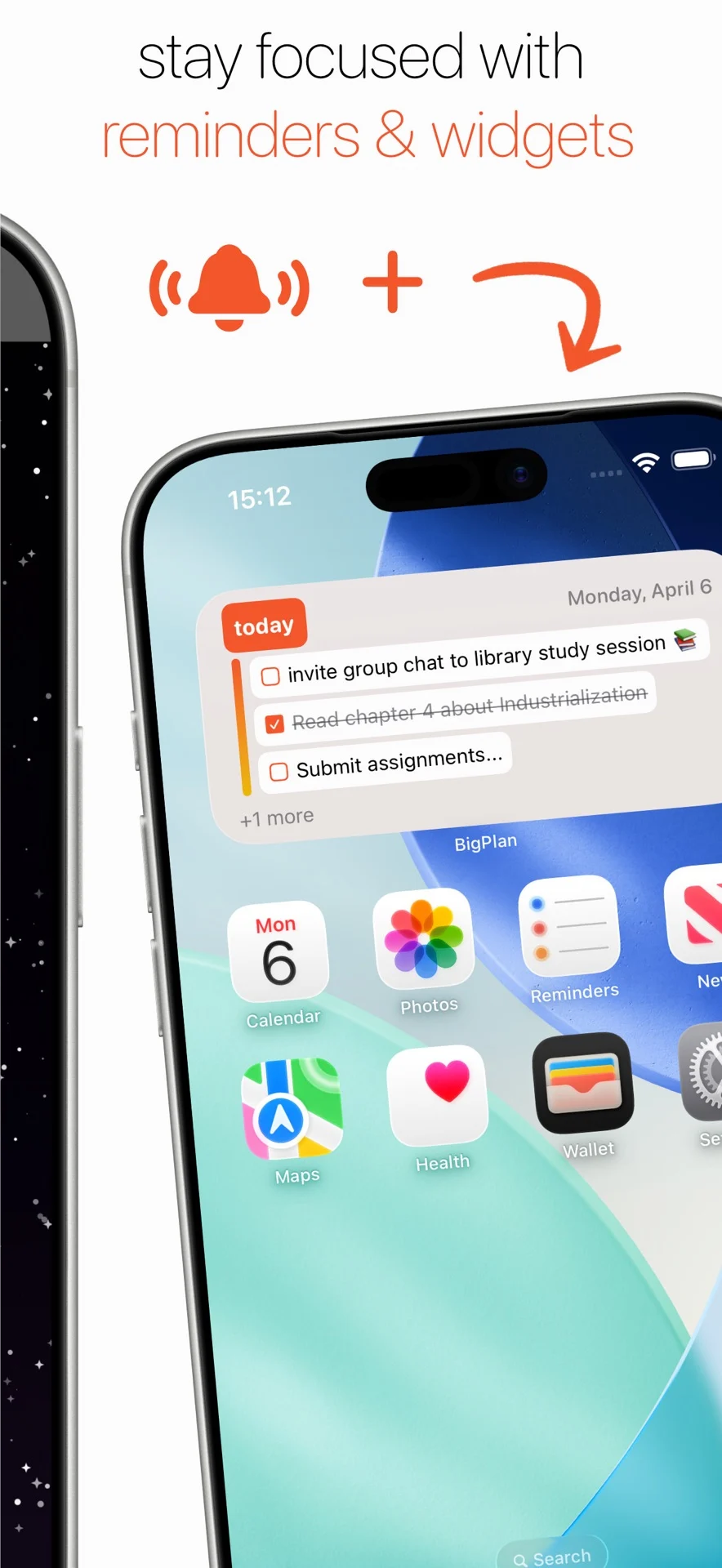
Give fixed moments a reminder
Add reminders to anything that must happen at a particular time, such as an appointment, a call, or leaving for an errand.
Repeat the routines that help
Make useful routines repeatable so they return when needed. Keep the Plan widget nearby for a quick view and to complete tasks without reopening the full plan.
The aim is a day that stays flexible while making the next useful action obvious. Start with a small plan, then adjust it as reality changes.