The short answer
Define the outcome, turn it into a short hierarchy of deliverables and next actions, then use labels and the timeline to decide what moves forward today.
Independent projects can become difficult when planning, notes, and daily execution live in different places. BigPlan keeps the project structure close to the tasks you can act on now.
Worked example
Planning a client presentation
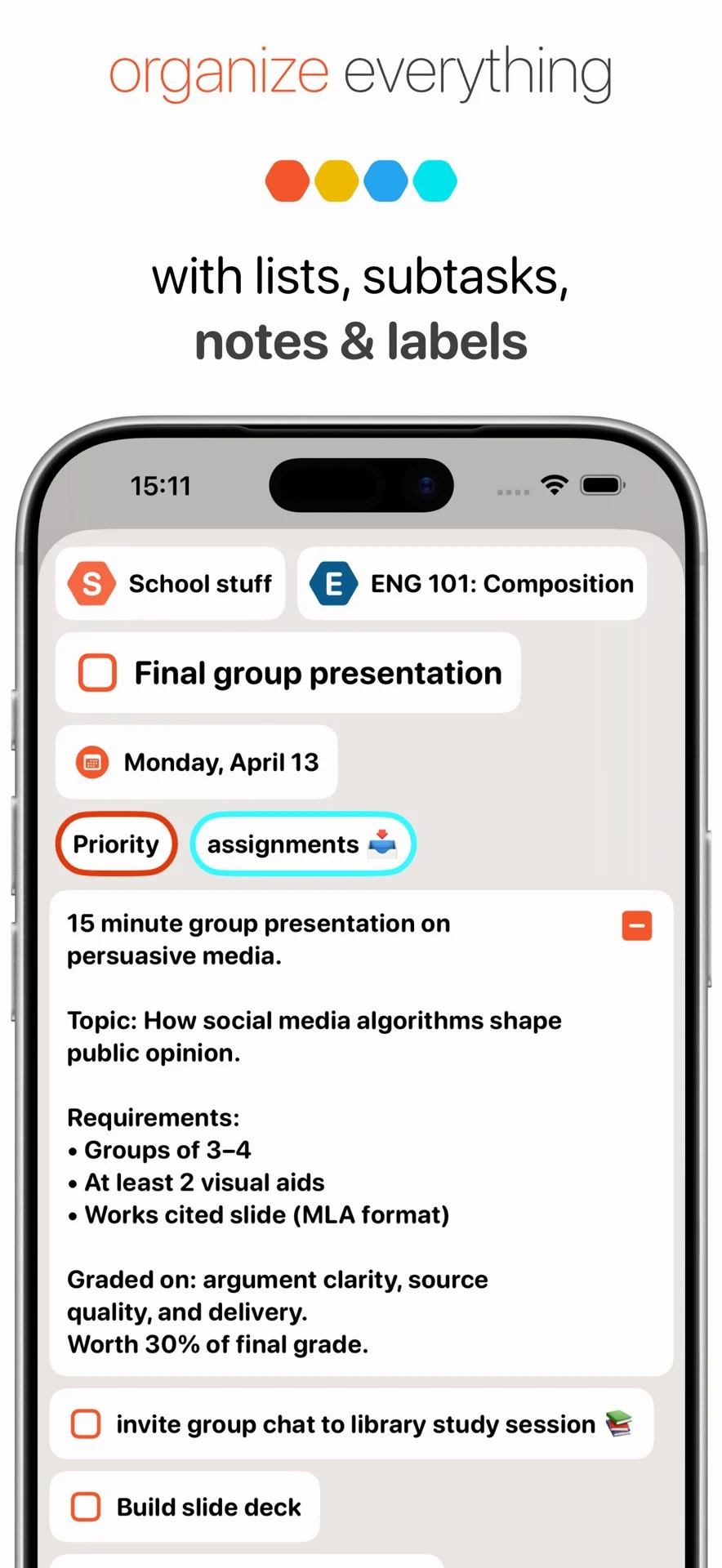
For a presentation project, create sections for research, narrative, slides, and review. Add the brief and constraints to a project note, split each deliverable into tasks, label anything waiting on a client, and place the next focused work block on today’s timeline.
A practical workflow
Put the plan into motion
Name the finished outcome
Start with a project list that describes what done looks like. Keep the brief, constraints, and useful context in a note attached to the project work.
Build a useful hierarchy
Use nested lists and subtasks to separate deliverables from the concrete actions required to complete them.
Label the work you need to see together
Labels can surface priority work, client follow-ups, administrative tasks, or anything waiting on someone else without changing the project structure.
Schedule the next actions
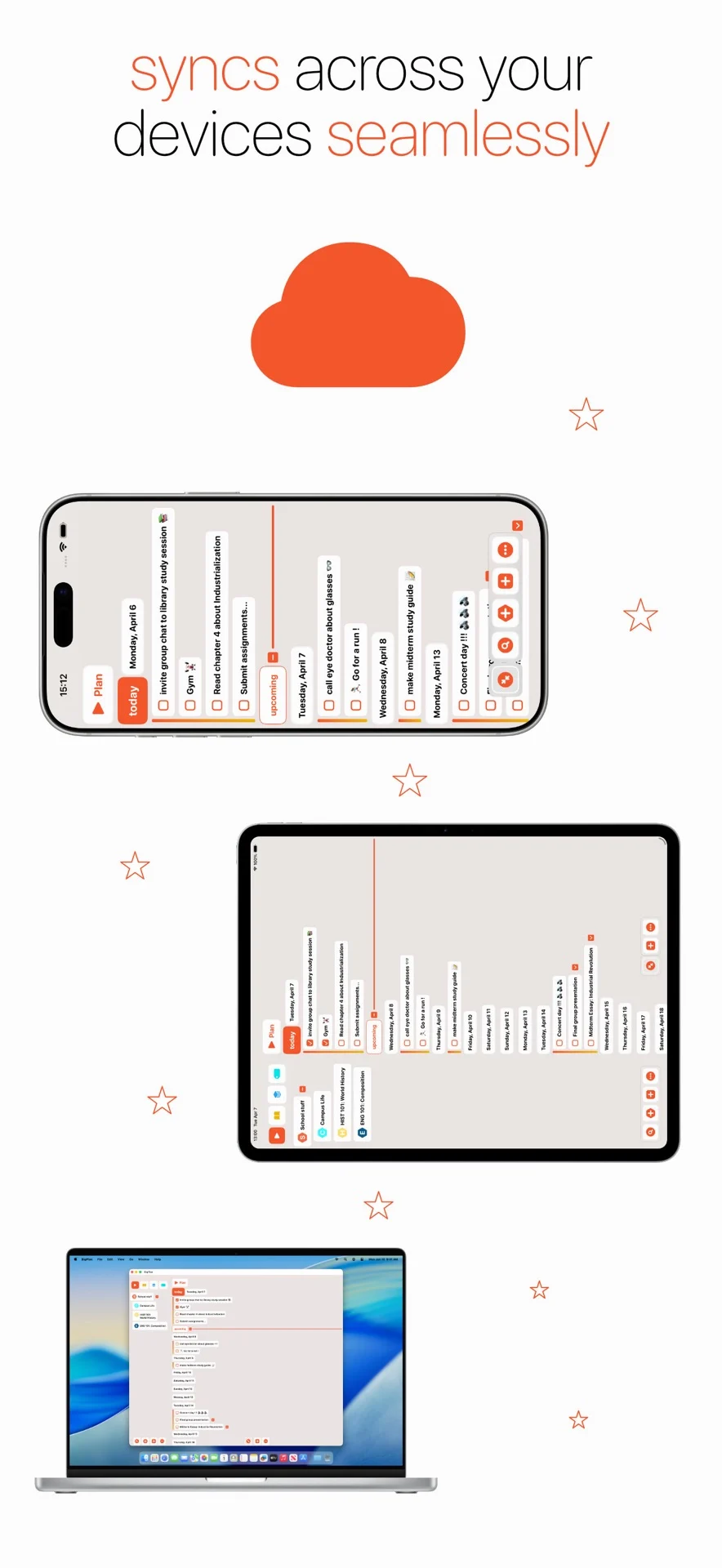
Bring the project’s immediate actions into the daily timeline. Drag and drop them as priorities shift while the rest of the project remains organized in its list.
Review and update in batches
Use search to find project material quickly and multi-edit when several tasks need the same change. iCloud sync keeps the plan available across your Apple devices.
A project plan earns its place when it keeps today’s work clear. Review the structure when the outcome changes, and keep the timeline reserved for actions you can move now.