
Capture what matters
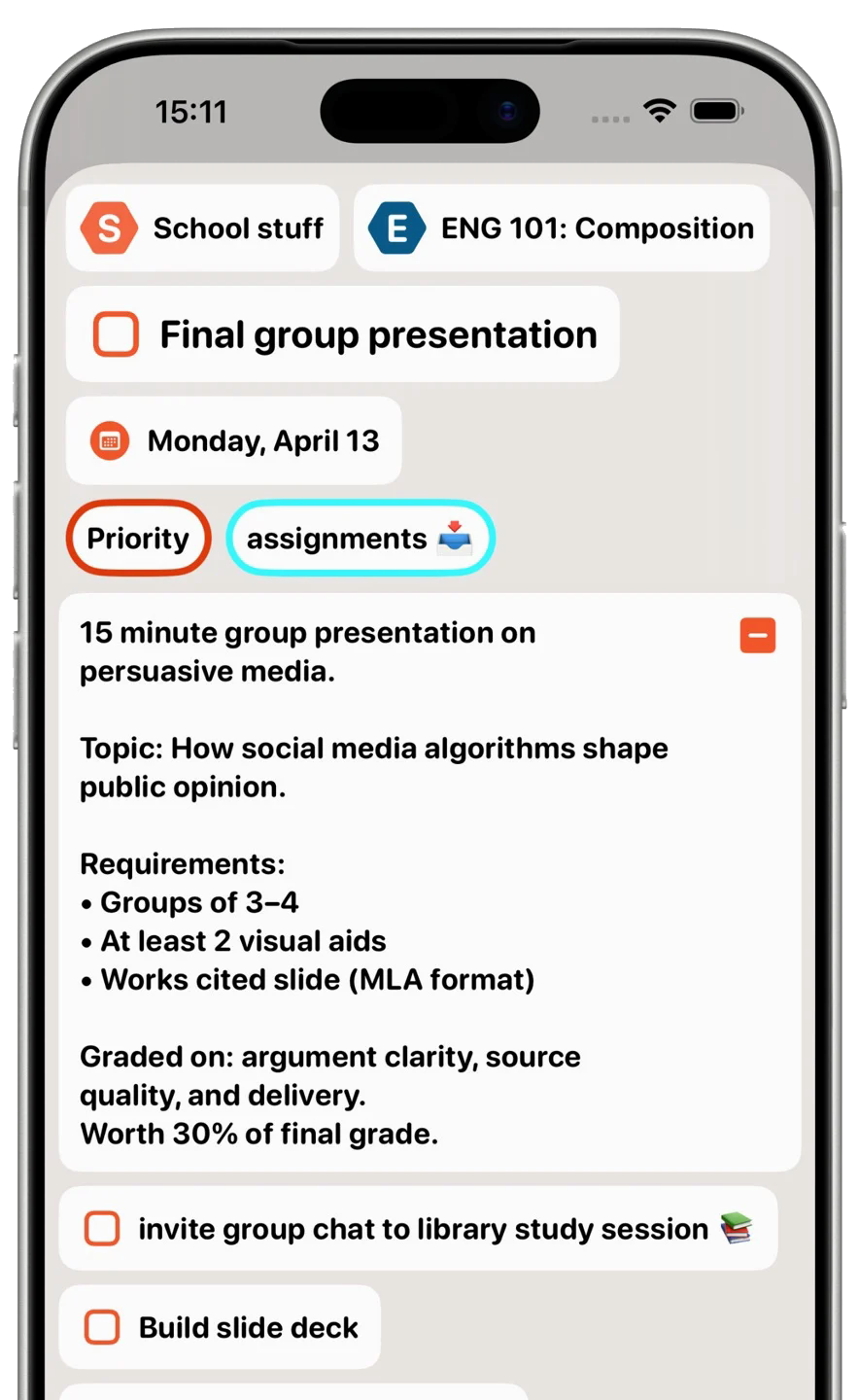
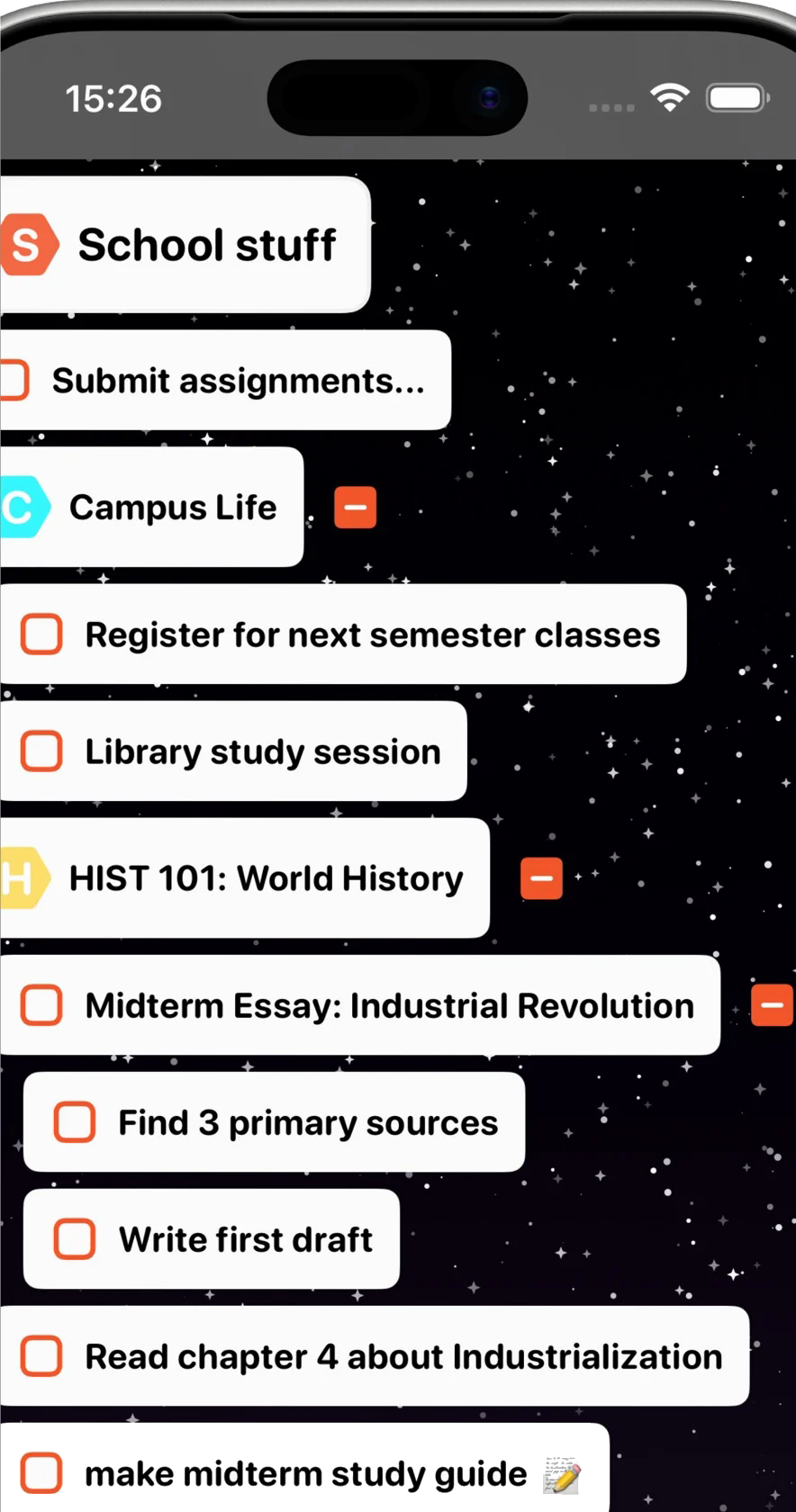
Turn everything from a grocery list to a major project into manageable steps. Nested tasks, notes, and labels keep the detail organized without losing the bigger picture.
Bring your tasks, routines, and plans into one clear view. BigPlan helps you organize your day and choose what comes next.
 iPhone and iPad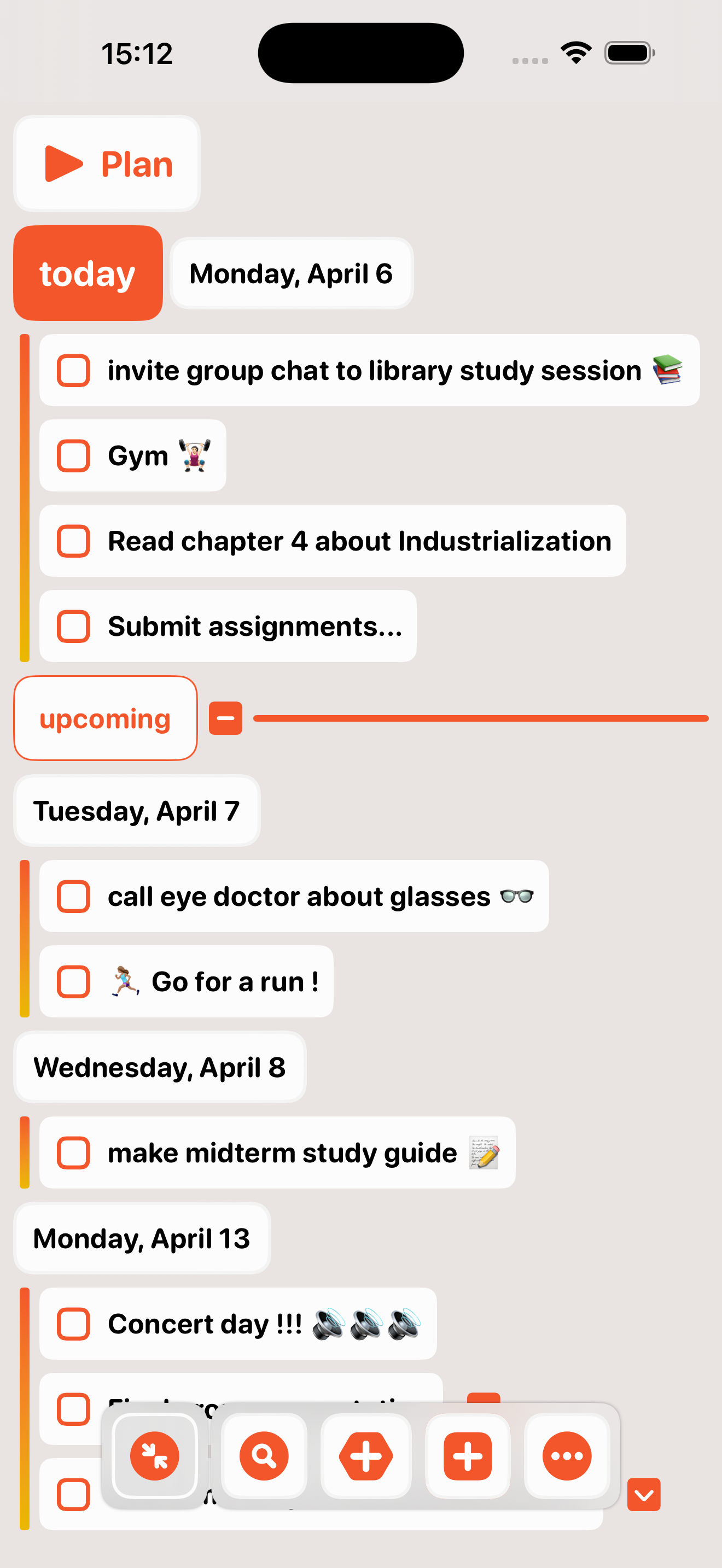
Keep the full picture organized, then bring the right things into focus for today.
Turn everything from a grocery list to a major project into manageable steps. Nested tasks, notes, and labels keep the detail organized without losing the bigger picture.
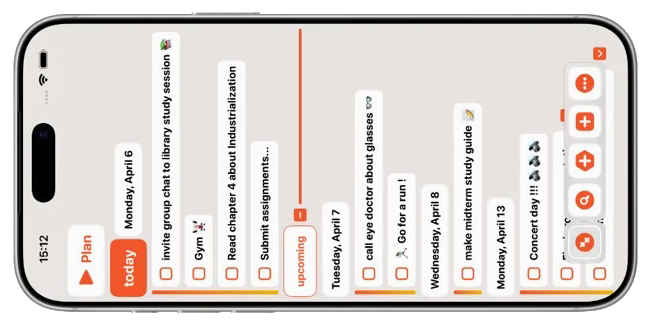
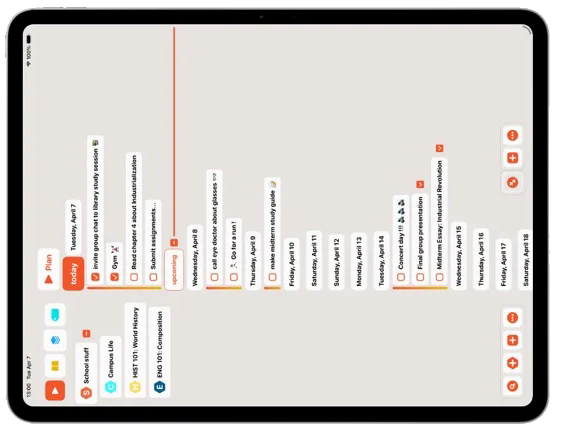
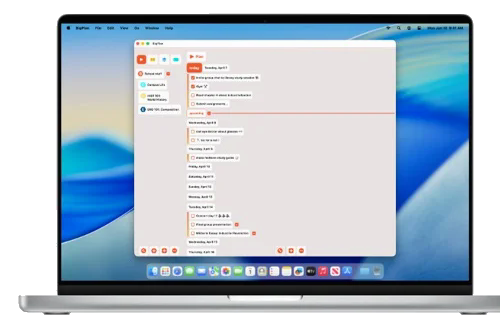
Bring to-dos, habits, and scheduled moments together on a visual timeline. Drag and drop makes it easy to reshape the plan when the day changes.
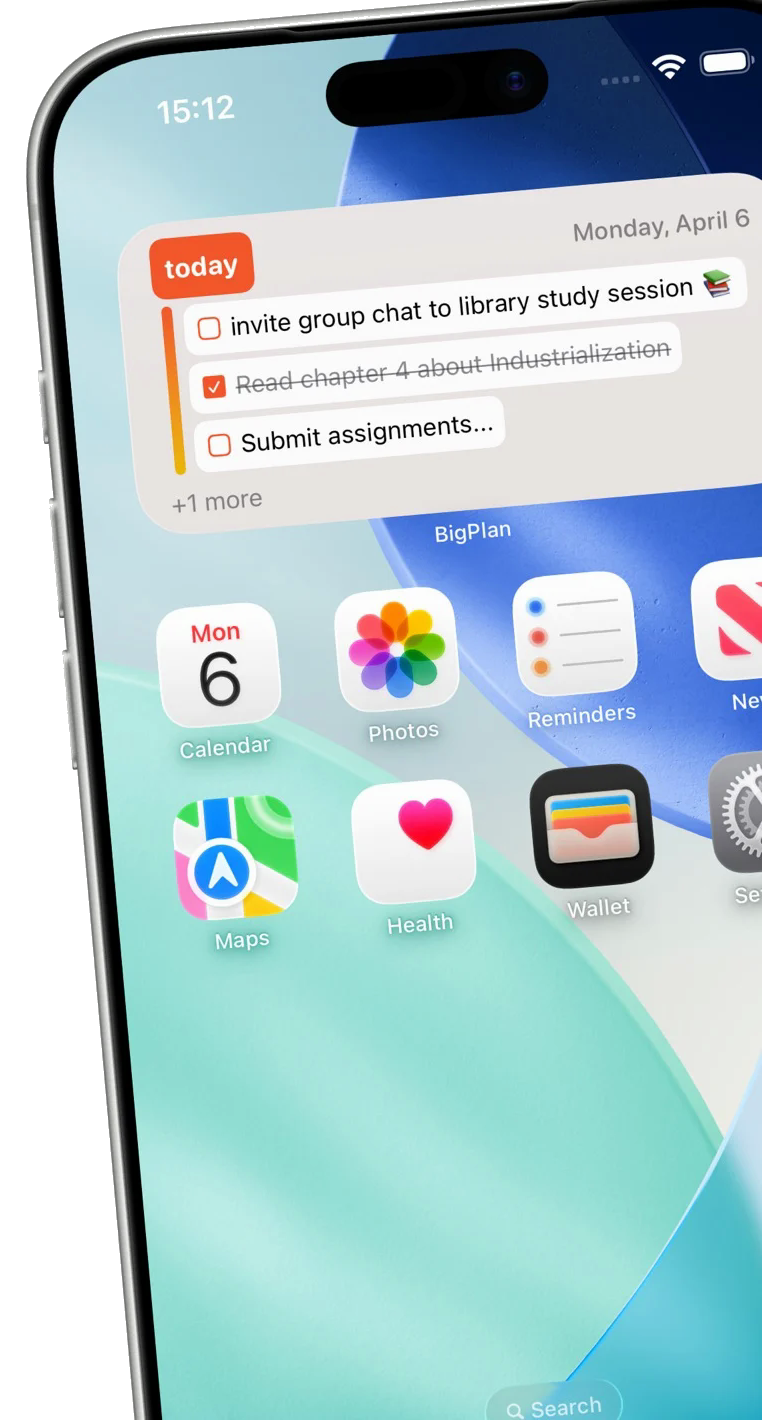
Repeat the tasks that help, add reminders for moments you cannot miss, and keep today visible from the Plan widget on your Home Screen.
Pick your style with themes and backdrops, and add widgets to keep what matters close. BigPlan syncs across your devices seamlessly.
Start with a practical workflow, then shape it around the way you plan.
A practical way to gather tasks, choose priorities, arrange your day, and keep recurring routines moving with BigPlan.
Read the guideOrganize courses, divide assignments into smaller tasks, and plan deadlines and study sessions with BigPlan.
Read the guideBreak down an independent work project, keep notes with tasks, categorize the work, and schedule the next actions in BigPlan.
Read the guideBuild a simple thought-capture habit in BigPlan: save ideas, questions, and reminders in one place, then organize them when you are ready.
Read the guideUse BigPlan as a thought organizer: group related ideas, preserve context in notes, and separate questions, reference material, and next actions.
Read the guideWork through a brain dump in BigPlan, clarify loose ends, save ideas for later, and choose a small set of next actions for your day.
Read the guideQuick answers about getting started with BigPlan.
BigPlan is built for iPhone and iPad and requires iOS or iPadOS 18.5 or later.
BigPlan is free to download from the App Store and offers in-app purchases.
Yes. You can create repeatable tasks, follow habits over time, and add reminders when a routine needs a timely nudge.
Yes. BigPlan uses iCloud to save and sync your plan automatically across your Apple devices.
Use lists and nested tasks for errands, coursework, routines, and projects. Add notes and labels, then use search or filters to find the view you need.
Yes. Choose custom colors, Big Themes, or a backdrop, and use dark mode when you prefer a darker appearance.
Yes. Search helps you find tasks, drag and drop lets you reshape the plan, and multi-edit applies a change to several items.
Download BigPlan for iPhone and iPad and make room for what matters.
Free download with in-app purchases